Search the Microsoft Store for a habit tracker and you’ll find a short, uneven list. Most of the best-known trackers are built for iPhone first, Android second, and Mac third. Windows users are usually told to “use the website”.
If you spend your workday at a Windows PC, that’s a real problem. The computer is where you plan your day, so it’s where a habit tracker should be. This guide covers the options that genuinely work on Windows 10 and 11 and sync with your phone.
Disclosure: we make Compound — Habit Tracker, which is one of the options below. Prices were checked in October 2026 and may vary by country.
What a Windows habit tracker needs
Before comparing apps, it helps to know what “works on Windows” should mean:
- Its own window. A browser tab gets buried under twenty others. An app in your taskbar or Start menu gets opened.
- Sync with your phone. You tick habits on the go and review them at your desk. Both need the same data.
- It works offline. Laptops lose Wi-Fi. Your tracker shouldn’t stop working when they do.
- A fair price. Ideally one you don’t pay again every year.
The options compared
| App | How it runs on Windows | Phone sync | Offline | Price |
|---|---|---|---|---|
| TickTick | Native Windows app | iPhone and Android | Yes | Free; Premium $35.99/year |
| Habitica | Website | iPhone and Android | No | Free; optional subscription |
| Habitify | Web app in the browser | iPhone and Android | Needs a connection | Free (3 habits); paid tiers and lifetime plans |
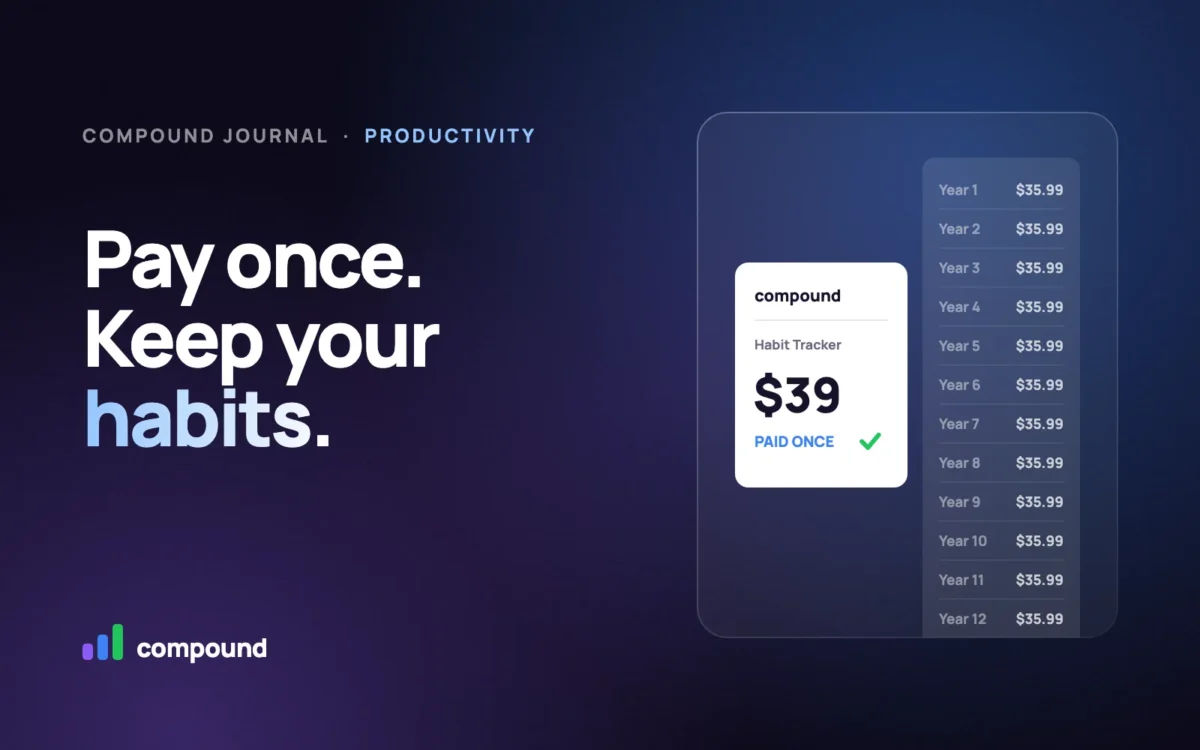
| Compound — Habit Tracker | Installs from Edge or Chrome as an app | iPhone and Android, live | Yes | $39 once (Founders’ Edition) |
Phone-only favourites like Streaks (Apple only), Loop and HabitNow (Android only) and HabitKit (phone only) have no Windows version.
TickTick: best if you want a full to-do app
TickTick is a task manager first, with a solid habit tracker built in. It has a real native Windows app, syncs everywhere, and includes a calendar and a focus timer. Habit statistics need Premium, which costs $35.99 a year.
Choose it if you want tasks, calendar and habits in one subscription. Skip it if you want a dedicated habit tracker or don’t want to pay yearly.
Habitica: best if a game keeps you going
Habitica turns your habits into a role-playing game: you have an avatar, earn gold for completed habits and lose health for missed ones. On Windows, you use it in the browser. It’s free, with an optional subscription that mostly adds cosmetic perks.
Choose it if points, levels and parties with friends motivate you. Skip it if you want a calm, minimal tracker or offline use.
Habitify: best for integrations
Habitify is polished and syncs across iPhone, Android, Mac and the web. Windows users get the web app. The free plan is limited to three habits; paid tiers are available as subscriptions or lifetime plans.
Choose it if you live in an Apple phone + automation setup and only occasionally use a PC. Skip it if you need more than three habits for free, or a tracker that lives in its own window on Windows.
Compound — Habit Tracker: best for Windows + iPhone or Android, paid once
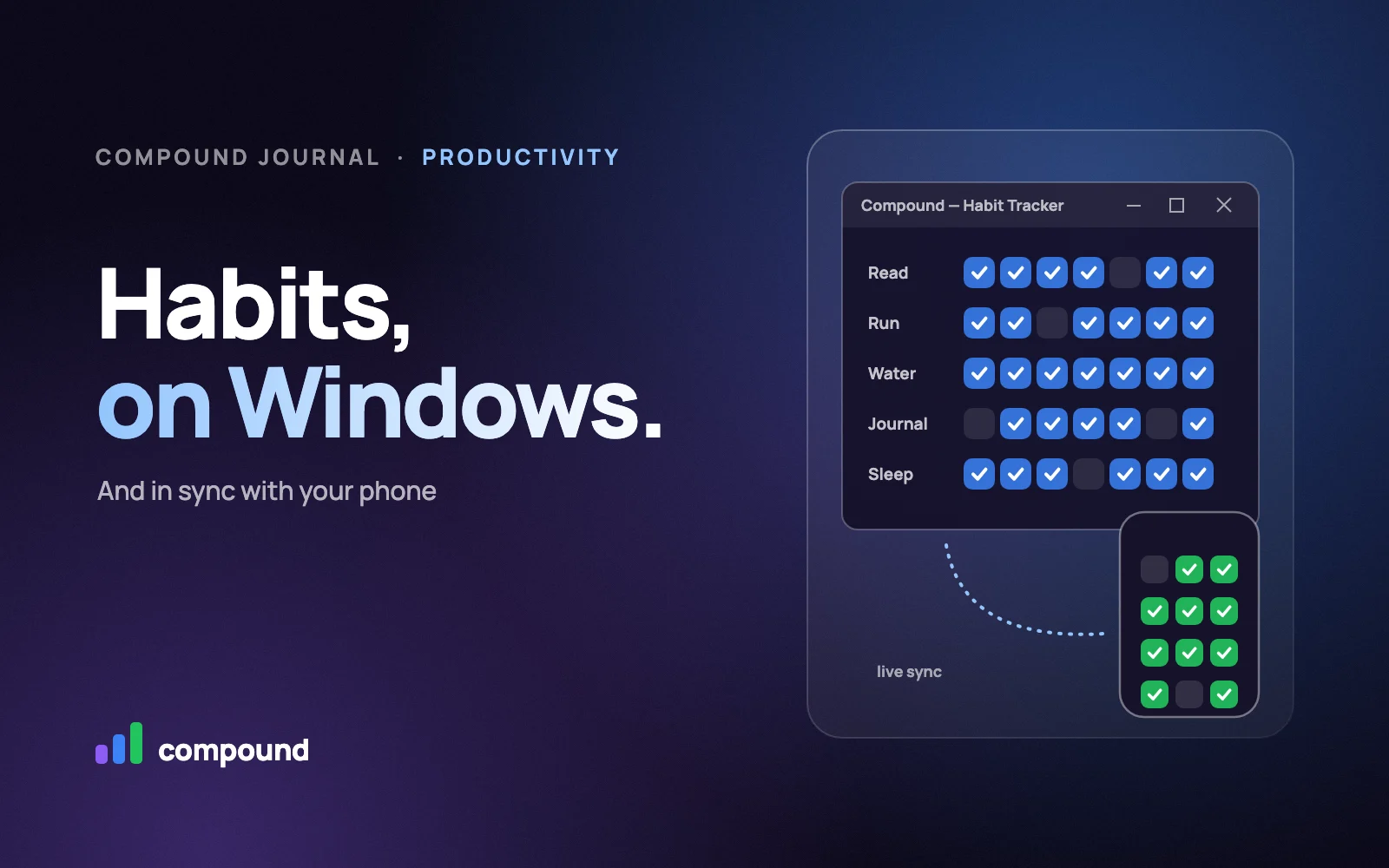
Compound is built as an installable web app, so the same app runs on Windows, Mac, iPhone and Android with nothing to download from a store. On Windows, you install it from Edge or Chrome and it behaves like any other app: its own window, a taskbar icon, and it works offline.
- Live sync. Tick a habit on your phone and it appears on your PC within seconds.
- One licence, five devices, for a one-time $39 during the Founders’ Edition.
- Encrypted on your device before anything is uploaded.
- Habits and tasks together, with a live countdown of the days left in your year.
- Seven languages built in, including Arabic, French and Turkish.
Choose it if your main computer is Windows and your phone is an iPhone or Android, and you’d rather pay once. Skip it if you only want habit tracking inside an existing task manager like TickTick.
How to install a web app on Windows
Installable web apps (also called PWAs) are a standard feature of Edge and Chrome. Once installed, they open in their own window, appear in the Start menu and can be pinned to the taskbar. Here’s how, using Compound as the example.
In Microsoft Edge (Windows 10 and 11)
- Open the app’s address in Edge.
- Click the App available icon in the address bar, or open the ⋯ menu, then Apps › Install this site as an app.
- Click Install. The app opens in its own window.
- Right-click its taskbar icon and choose Pin to taskbar.
In Google Chrome
- Open the app’s address in Chrome.
- Click the Install icon at the right of the address bar, or open the ⋮ menu, then Cast, save and share › Install page as app.
- Click Install.
To remove it later, uninstall it like any app from Settings › Apps in Windows.
Why “web app” no longer means “worse app”
Ten years ago, a web app meant a slow page that died without internet. Modern installable web apps cache themselves on your device, run offline, and update silently in the background. For a habit tracker, there are three real advantages:
- One app for every device. The version on your PC is the same as on your phone, so features and design never drift apart.
- No installer to trust. There’s no .exe to download and nothing for antivirus to flag.
- Instant updates. Fixes arrive the next time you open the app.
Keep reading
- Habit tracker apps with no subscription
- Private habit tracker apps: who can read your data?
- Habit tracker vs to-do list: why you need both
FAQ
Is there a habit tracker app for Windows 11?
Yes. TickTick has a native Windows app, and Compound — Habit Tracker installs on Windows 11 from Edge or Chrome as an app. Habitica and Habitify run in the browser.
Can I use a habit tracker on my PC and iPhone at the same time?
Yes, if the app syncs across platforms. TickTick, Habitica, Habitify and Compound all do. Streaks syncs only between Apple devices.
What is the best free habit tracker for Windows?
Habitica is fully usable for free in the browser. TickTick’s free plan includes basic habit tracking. Most other trackers limit habits or features until you pay.
Does a web app work offline on Windows?
Installable web apps can. Compound keeps working offline and merges your changes when you reconnect. A plain website without offline support stops working when your connection drops.